Menu
Which charger to buy: understanding power, cables, and compatibility
Guide
Which charger to buy: understanding power, cables, and compatibility
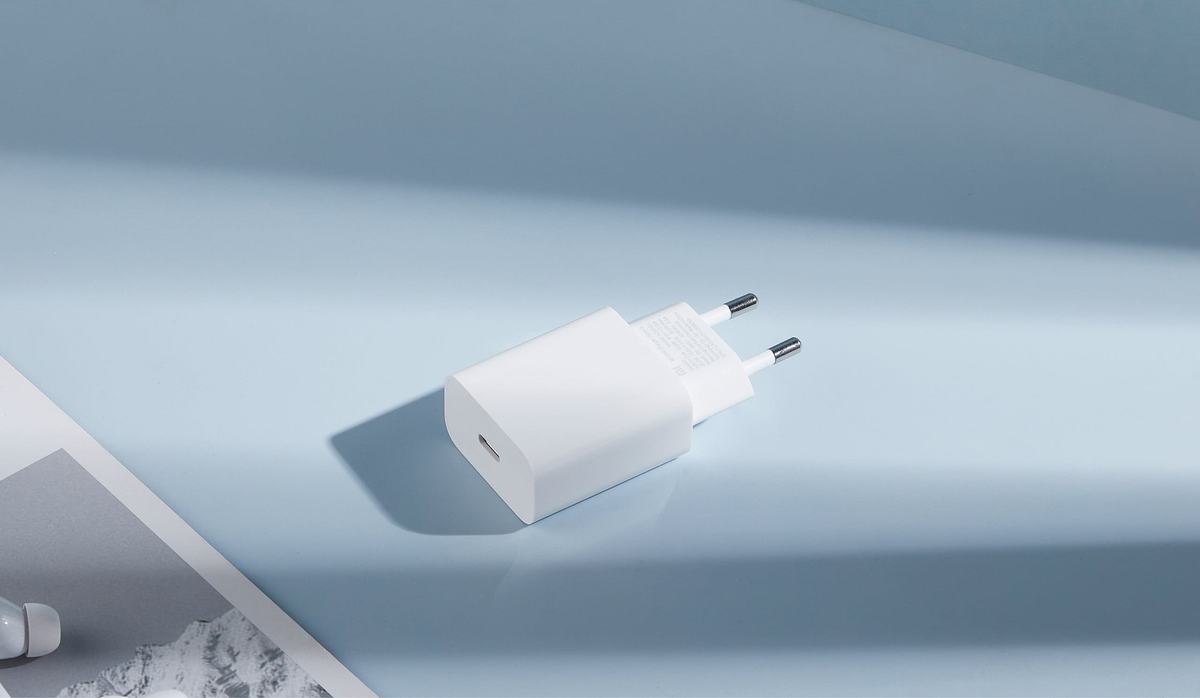
How to choose a fast charger for a smartphone, laptop, or tablet without spending extra money? While devices are getting smarter, at home a zoo of chargers accumulates: old 5‑W blocks, cables of all formats, a couple of adapters without identifying marks — and none that would fit everything. Fast chargers promise to solve the problem in 20 minutes without overheating, but picking one is already a challenge. Let's figure out what's important: from power and protocols to how the adapter splits watts between gadgets.
What this article is about
The most purchased chargers in 2026
Fast charging: what's the catch?
How fast charging works?
What to consider when choosing?
How a charger distributes power between ports?
Which cable is needed for fast charging?
And what's up with GaN?
If you want to charge wirelessly
Why the charger still works slowly?
What to check before buying
This article has already appeared on Onlíner. In November 2026 we updated it: clarified information about fast‑charging standards, added current models of adapters and cables, and verified their compatibility with modern smartphones, tablets, and laptops.
The most purchased chargers in 2026
Based on sales in the Onlíner Catalog from August 1 to November 11, 2026.
Apple 20W USB‑C EU Power Adapter
Samsung EP‑T2510NBEGEU
Samsung EP‑T4511XBEGWW
Ugreen X524 65 053 (white)
Ugreen X553 35 042
Ugreen Nexode RG 65
In reality, "fast charging" is a general term for technologies that allow for more power to be transferred in less time. A 20W adapter can significantly speed up the charging of a compatible iPhone compared to an old 5W block. However, the exact time depends on the model and conditions: the promise of "up to 50% in half an hour" cannot be read as "up to 100% in an hour". Closer to a full charge, the power decreases. But one thing is a smartphone.
However, if you want to charge a laptop, tablet, phone, and headphones from one adapter, additional parameters appear: power, number of ports, intelligent power distribution, and compatibility with protocols.
What is important to consider when choosing?
Power
This is the number in watts that you see in the description. You can roughly navigate as follows:
20-30W - for many smartphones. For conditional headphones and smartwatches, such a reserve is usually not needed, but they can be connected to a compatible adapter of higher power;
45-65W - a universal option for smartphones and tablets. However, some models (for example, flagships) may require 65W or higher - check the manufacturer's recommendations;
100+W - if you need a reserve for a powerful laptop or to charge several gadgets at the same time.
The specified watts are the upper limit of the adapter's capabilities. A compatible block of 100W will not force the phone to accept all 100W: devices agree on the power mode. However, a block of lower power may limit the speed. For a laptop under load with a weak charging device, the power will only be enough to slow down the battery discharge.
First, check the requirements of your device, and then choose a reserve. Even within one line, they change. For example, for the iPhone 17, Apple claims up to 50% in approximately 20 minutes with an adapter from 40W. For the iPhone 18 Pro and 18 Pro Max - up to 50% in approximately 15 minutes with an adapter that can deliver from 60W and supports dynamic voltage regulation.
How does charging divide power between ports?
It is important to consider that power can be divided between ports, especially if you are charging two or three devices at the same time. That is, even if the adapter says 100W, at the moment of charging two gadgets, it can give 65W to one and 35W to the other - or maybe 45/45. This depends on the manufacturer and model. It's good if the manufacturer has written about this in advance in the characteristics (for example, 65 + 30 + 5) or attached such an infographic.
There is no need to worry if a short pause in charging occurs when connecting or disconnecting a second device: the adapter will re-coordinate the power supply.
It is also important to look at the diagram for the required combination of connectors: two USB-C ports may share power differently than USB-C and USB-A. If a laptop requires 65 watts, make sure that much power remains on its port even when, for example, a phone is connected. For devices that require continuous power, separately check if the manufacturer promises operation without restarting the ports.
Protocols
The term "fast charging" is collective. Behind it may be Power Delivery (PD), Quick Charge (QC), VOOC, SuperVOOC, SuperCharge, and other technologies. Each brand has its own nuances, but the essence is the same: the device, adapter, and cable must "understand" each other. It is important to remember that fast charging is not just the adapter's power. For everything to really work quickly, it is necessary that both the smartphone and the cable support the required standard.
For example, not every USB-C cable transmits 100+ watts - even if it looks impressive. In brief:
PD (Power Delivery) is a common standard for iPhone, iPad, MacBook, many Android smartphones, and laptops that support charging via USB-C. For Xiaomi, Poco, and Redmi, check the power via PD separately: the maximum speed of proprietary charging may require a different protocol;
QC (Quick Charge) is a protocol from Qualcomm. Its support should be checked for a specific smartphone: the Snapdragon processor itself does not guarantee it;
SFC (Super Fast Charging) from Samsung is not a separate technology, but a marketing name. In fact, it is a variant of USB Power Delivery with the PPS (Programmable Power Supply) extension. This means that charging will only work if all requirements are met: a suitable adapter, PPS support, and the "right" cable;
VOOC/SuperVOOC are proprietary technologies used, in particular, by OPPO, OnePlus, and realme; SuperCharge is the name of proprietary chargers from Huawei and Honor. To achieve maximum power, check the compatibility of the specific phone with the adapter and cable;
PPS (Programmable Power Supply) is a USB PD extension with smooth voltage and current adjustment. It is important for fast charging of compatible Samsung and Google Pixel devices. Look not only for the presence of PPS but also at the available voltage and current ranges: the same "65 watts" on the box does not mean the same speed with your phone;
The more protocols a charger supports, the higher the chance that it will not slow down due to incompatibility.
What kind of cable is needed for fast charging?
USB-C describes the connector, not the power. For charging via USB PD up to 60 W, a suitable USB-C to USB-C cable with a 3 A rating is sufficient. Above 60 W, a 5 A cable is required.
If a universal cable for a powerful laptop is needed, look for USB-C to USB-C models with a 240 W rating. It is not necessary to overpay for USB4 or Thunderbolt just for charging: the permissible power and data transfer speed are different characteristics. A cable with USB 2.0 can also support power up to 240 W.
What about GaN?
In short: GaN (gallium nitride) is a semiconductor material used in the power components of chargers. It allows for reducing losses and making powerful adapters more compact. There are also multi-port models with a total power of 300 W or more; they can deliver less power to one port. They are often taken on trips to replace three or four adapters with one.
If you want to charge without a wire
It is essential to select a wireless charging adapter based on the wireless platform itself, rather than the smartphone or smartwatch being charged. The platform has its own power requirements: a 20 W block may be suitable for one mode and limit another. Check if the adapter is included in the package and what protocol it requires.
After the initial version of this material was released, Qi2 25W appeared: the standard was introduced in July 2025. Early Qi2 devices are designed for 15 W, so the presence of Qi2 on the box does not guarantee 25 W. A compatible phone, wireless charger, and suitable power supply are required. Magnetic attachment alone does not confirm Qi2 certification.
Wireless Apple 25W MagSafe Charger (1 m) from 149.00 ƃ, from 4.88 ƃ/month. No reviews.
Wireless Ugreen W702 35316 charger from 188.85 ƃ, from 4.35 ƃ/month. Rated 5 (4).
from 149.00 ƃ, from 4.35 ƃ/month, 5(2) Wireless charger Ugreen MagFlow 2-in-1 W752 55960 (blue)
from 165.97 ƃ, from 4.47 ƃ/month, 5(1) Wireless charger Xiaomi 50W Wireless Charging Stand Pro MDY-14-EN (international version)
More wireless chargers in the Onlíner Catalog
Why is charging still slow?
To start, connect only one device to the adapter, choose a suitable USB-C port, and try a knowingly compatible cable. Check the fast charging settings and battery charge limitations. The phone may reduce power due to overheating, and slowing down when the battery is almost full is normal. Playing games or using navigation during charging also changes the result.
What to check before buying
Fast charging is a combination of power, protocols, and usage scenarios. A good adapter does not overheat, does not make noise, charges a laptop just as confidently as a smartphone, and does not require a separate socket for this. But it also doesn't make sense to overpay for 300 W if you only charge headphones and a phone. Just like buying a 20 W adapter for a MacBook.
Before buying, it's enough to compare three things: the requirements of your devices, the power of the necessary ports when connected simultaneously, and the capabilities of the cable. The adapter may have a good power reserve, but an unsuitable protocol will still limit the speed.