Menu
Progress that annoys. Six things that irritate in modern technology.
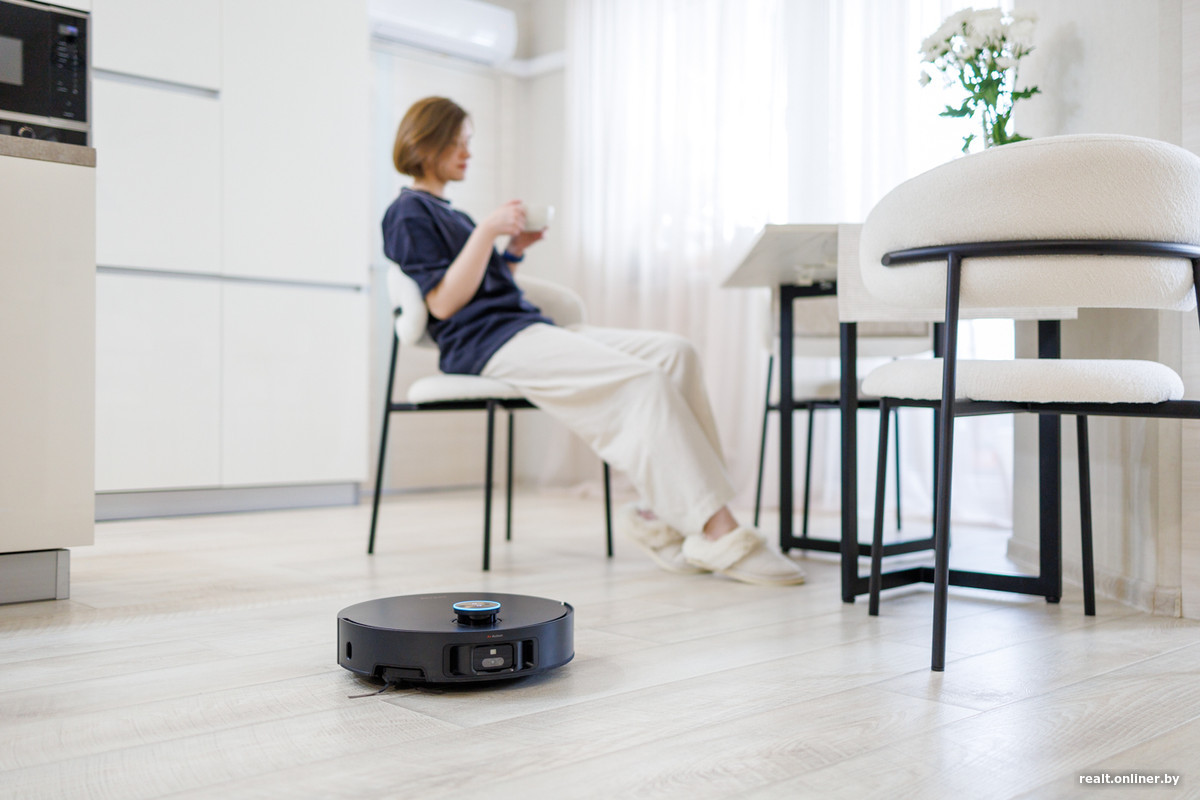
We have grown accustomed to seeing new features as a sign of progress and to expect that, along with them, technology will become more convenient. Yet sometimes a new improvement makes us long for the way things used to work. Why, when inventing something new, do manufacturers forget the simple requirements for equipment—and we have to explain again what was actually convenient?
What will be discussed:
- Bought a robot vacuum, and now I clean up after it
- Why we want to consider ordinary buttons a benefit again
- The TV was bought with my own money. Where does the advertising come before the film?
- USB‑C is the same. Why are the cables different
- Wanted to get rid of dryness, but had to wipe furniture more often
- Wi‑Fi 5, 6, 7… Thank you, we know how to count
- Conclusion
Bought a robot vacuum, and now I clean up after it
In the advertisement everything looks convincing: the robot leaves the dock, collects trash, cleans the floor, returns to the base and tidies itself up. All you have to do is walk around the clean apartment. Ideally barefoot, as in the commercial.
But beyond the commercial, it turns out that the dirty water tank must be emptied and rinsed, the dock’s tray must be cleaned, and the sensors wiped. There are also brushes, filters, bags, and wipes. The device bought to free you from routine ends up having its own.
It turns out that the robot vacuum really takes on part of the cleaning, but it does not eliminate maintenance
The buttons themselves do not guarantee convenience or durability. Their value lies elsewhere: they allow you to quickly change the temperature, volume, or time without navigating through menus. When choosing equipment, you should test this with your hands: how many actions are required for the most frequent command?
Therefore, when buying, it’s important to ask not only what the device can do, but also what you’ll have to do every day. The answer may prove more useful than a long list of technologies: you want to enjoy using the equipment, not be distracted by poor ergonomics.
The television was bought with your own money. Where does the advertising come in before the film?
The advertising pause on a TV channel is easy to explain: that’s how its funding works. The relationship with a banner in your own TV’s menu is more complicated. You’ve already paid for the screen, processor, speakers, and remote. Why has the transition to an app also become an advertising platform?
Because for the manufacturer, the story may not end with the sale of the device. The startup screen is the place through which the viewer passes on the way to films, apps, and games. For advertising businesses, this is a convenient moment: the person is already in front of the TV, and the content hasn’t been chosen yet.
Manufacturers Quite openly offer this opportunity to advertisers. For example, Samsung Ads has formats for the first screen of the television, including a large banner and automatically playing video. In the description of one of the formats, it is specifically highlighted that advertising is shown immediately after turning on the TV or returning to the home screen.
LG and TCL TVs also serve as advertising platforms: their official documentation indicates an advertising banner within the home screen.
As a result, in addition to image quality, performance speed, and remote convenience, another criterion is added: how persistently the television will offer something. This point rarely appears as a headline on the price tag. But at home, it can be noticed every day.
USB‑C is the same. Why are the cables different?
With USB‑C came a fairly clear hope: finally, you could stop keeping a separate cable for each device. The connector really became more universal and eliminated the need to guess which side to insert the plug. But you still cannot choose cables based solely on appearance.
USB‑C denotes the connector type. Charging power, data transfer speed, and the ability to connect a display are separate characteristics. The USB‑IF organization, which develops USB standards, explicitly states that the terms USB‑C, USB4, and USB Power Delivery are not interchangeable. Having one does not guarantee support for the others.
Here is an illustrative example: Apple's two‑meter charging cable is rated for up to 240 W, but it transmits data at USB 2.0 speed. Apple states this in the product description. One scenario is charging; another is copying large files to an external SSD.
When a monitor is involved, another condition arises: the required mode must be supported by the computer port, the cable, and the connected device. A USB‑C charging cable that supports data transfer at USB 2.0 may be perfectly fine for charging, but it will not work with an external display.